So, you’ve heard about Xtream codes and how they can open up a world of live TV and on-demand content, right? It sounds pretty cool, and honestly, it can be. Basically, Xtream codes are like a special key that many IPTV services use to let you log into their players. Instead of messing with complicated playlists, you just punch in a few details, and boom, you’re watching. This guide is here to walk you through setting up and logging in, making sure you know what you’re getting into with Xtream codes.
-
Xtream codes are a login method for many IPTV services, simplifying access to live channels and VOD content across various devices.
-
Setting up Xtream codes typically involves using an IPTV player app like IPTV Smarters Pro and entering your provider’s username, password, and server URL.
-
While the Xtream codes technology is legal, users should be cautious about the content sources and legality of the IPTV services they subscribe to, and avoid suspicious ‘generators’.
Setting Up Xtream Codes
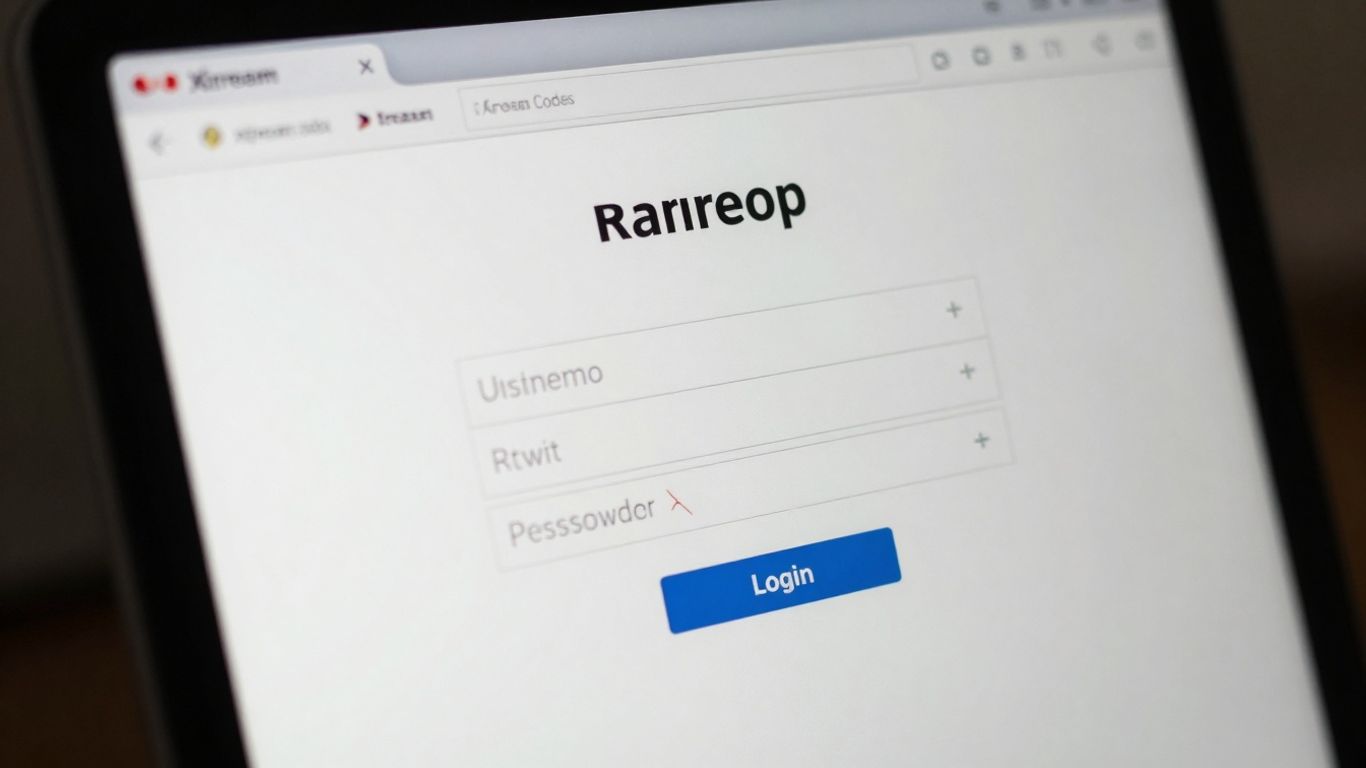
Getting your Xtream Codes set up is usually pretty straightforward, especially if you’ve got the right details from your IPTV provider. Think of it as the key to unlocking a whole world of live TV and on-demand content. This section will walk you through the basics, from understanding what you need to actually getting it working on popular devices.
Xtream Codes Background
So, what exactly are Xtream Codes? Basically, it’s a system that many IPTV services use to organize and deliver their content. Instead of dealing with complicated playlist files, providers often give you a simple set of login details – a username, password, and a server URL. This makes it much easier to configure streaming codes and access your channels through various media players. While the technology itself is legitimate, it’s important to remember that the legality of the content being streamed depends entirely on your provider. Always do your homework on who you’re subscribing to.
Login Process on IPTV Smarters
IPTV Smarters is a popular app for managing your IPTV subscriptions, and logging in with Xtream Codes is a common way to use it. Here’s a general idea of how it works:
-
Get Your Credentials: First, you’ll need your Xtream Codes login details from your IPTV provider. This usually includes a username, password, and a server URL (sometimes called a portal URL).
-
Install IPTV Smarters: Download and install the IPTV Smarters app on your device (like a Firestick, Android box, or even your phone).
-
Select Xtream Codes Login: Open the app and look for the option to log in using Xtream Codes API or similar wording.
-
Enter Details: Carefully type in the username, password, and server URL provided by your IPTV service. You might also be asked to give your connection a name.
-
Connect: Once entered, confirm the details. The app will then try to connect to the server and load your available channels and VOD content.
It’s a pretty standard process for most apps that support this method, making it a consistent way to access media player login information.
Configuring Xtream Codes on BuzzTV
BuzzTV boxes are designed with IPTV in mind, and setting up Xtream Codes is usually a breeze. Here’s a typical approach:
-
Navigate to the ‘Server Settings’ on your BuzzTV device.
-
Choose the ‘XC API Login’ or ‘Xtream Codes Login’ option.
-
You’ll then need to input your provider’s details: a name for the connection (like ‘My IPTV’), the server URL, your username, and your password.
-
After entering everything, select ‘Connect’ or ‘Save’.
-
Once connected, you should be able to access your live TV channels directly from the BuzzTV interface.
This method is generally preferred because it uses standard login credentials, making it easier to manage your subscription.
Formuler and Dreamlink Xtream Codes Setup
Devices like Formuler and Dreamlink often have their own built-in IPTV players or apps that make setting up Xtream Codes quite simple. The general steps are similar across most platforms:
-
Find the IPTV App: Locate the pre-installed IPTV application on your Formuler or Dreamlink box.
-
Select Login Method: Within the app, choose the option for Xtream Codes or XC API login.
-
Input Credentials: Enter the username, password, and server URL provided by your IPTV service. Some devices might also ask for a portal name.
-
Add User/Connect: Confirm the details to add your account. The device will then connect to the server.
-
Access Content: After a successful connection, your channels and VOD library should be available to browse and watch.
These devices are built to make the IPTV panel setup guide process as user-friendly as possible, so you can get to watching your shows quickly.
Understanding Xtream Codes

Xtream Codes Background
So, what exactly are Xtream Codes? Think of it as a system that helps organize live TV channels and on-demand movies from various internet-based TV services, often called IPTV. Many IPTV providers give their customers these codes, which are basically a username, password, and a server address. It’s a pretty straightforward way to log into special apps that let you watch all the content your subscription offers. It really changed how people access TV, making it easier to get channels on phones, computers, and smart TVs. Back in late 2019, there was a big crackdown in Italy that temporarily shut down Xtream Codes operations, which caused a stir among IPTV users. This event brought up questions about piracy and content licensing. However, the system itself was later deemed lawful by an Italian court in 2022, as no direct illegal actions were found on their part.
Legality and Safety of Xtream Codes
This is where things get a bit murky, and it’s important to be clear. The Xtream Codes technology itself is perfectly legal. It’s just a method for logging into services. The real issue comes down to how some IPTV providers use it. Some services might offer channels without having the proper rights to broadcast them. This means while the Xtream Codes login method is fine, the content you access through a specific provider might be questionable. It’s on you, the user, to do your homework on the IPTV service you subscribe to. Make sure they are legitimate and have the rights to the content they’re showing. As for safety, the technology itself is safe. But like anything online, your security depends on the provider you choose and how you handle your login details. Always stick to reputable apps from official stores, don’t share your login info, and using a VPN is a good idea to keep your connection private.
Avoiding Xtream Codes Generators
You might see apps or websites claiming to be “Xtream Codes generators” that offer free channels. Be very, very careful with these. Many of them are not legitimate and are just trying to cash in on the popularity of Xtream Codes. Some might even have thousands of downloads but have terrible reviews. The biggest risk is that they could be trying to steal your actual login details for your paid IPTV service or even your personal information. Never enter your real username, password, or server URL into these generator apps. It’s best to avoid them altogether and stick to getting your login information directly from your trusted IPTV provider.
Wrapping Up
So, that’s pretty much it for setting up Xtream Codes. It really makes watching your favorite shows and live channels a lot easier once you get it going. Remember to always check out your IPTV provider to make sure they’re on the up and up, and keep your login details private. Using a VPN is also a good idea for that extra bit of security. Now you should be all set to enjoy your streaming!









1 comment