So, you’re trying to watch something on IPTV and it just keeps stopping to load? Yeah, that’s the worst. This whole IPTV buffering thing can really kill the mood when you’re trying to relax. It seems like no matter what you do, the picture just freezes up. But don’t worry, it’s usually not some huge problem. Most of the time, you can fix this annoying IPTV buffering without too much fuss. Let’s figure out how to get your streams running smoothly again.
Optimize Your Network For Reduced IPTV Buffering
Sometimes, your IPTV streams just won’t stop buffering. It’s super frustrating, right? Often, the issue isn’t with the IPTV service itself, but with how your home network is set up. Let’s look at a few ways to tweak your network to improve IPTV stream quality and generally improve iptv performance.
Upgrade Your Internet Plan
Think of your internet plan like a highway. If too many cars (devices and data) are trying to use a small highway, you get a traffic jam. For IPTV, especially if you’re watching in HD or 4K, you need a wider highway. Your current plan might just not have enough bandwidth. Upgrading to a faster plan can make a big difference. You don’t always need the absolute top-tier plan, but moving up one or two levels can often be enough.
Here’s a rough idea of what you might need:
|
Content Quality |
Minimum Speed |
Recommended Speed |
|---|---|---|
|
Standard Definition (SD) |
5 Mbps |
8 Mbps |
|
High Definition (HD) |
10 Mbps |
15 Mbps |
|
4K Ultra HD |
25 Mbps |
30 Mbps+ |
Remember, these are just for the IPTV stream itself. If other people in your house are also online, gaming, or downloading, you’ll need even more speed.
Switch to A Wired Ethernet Connection
Wi-Fi is convenient, no doubt about it. But it’s not always the most stable. Things like distance from the router, walls, and even other electronic devices can mess with your Wi-Fi signal. This leads to dropped data packets and inconsistent speeds, which is a recipe for buffering. An Ethernet cable provides a direct, stable connection to your router. This usually means less interference and a more consistent speed, which is great for improving IPTV stream quality. If your streaming device has an Ethernet port, using a cable is almost always better than Wi-Fi for IPTV.
Install A Quality Router Or Enable QoS
Your router is the traffic cop for your home network. An older or cheaper router might struggle to handle multiple devices streaming at once. A newer, better router can manage traffic more efficiently. Look for routers that support features like:
-
Dual-band or Tri-band Wi-Fi: Offers more bandwidth and less interference.
-
MU-MIMO: Helps the router communicate with multiple devices simultaneously.
-
Quality of Service (QoS): This is a really handy feature. QoS lets you tell your router which devices or types of traffic are most important. You can set it to prioritize your IPTV streaming over, say, a background download on another computer. This helps ensure your stream gets the bandwidth it needs, when it needs it, leading to a smoother experience and better iptv performance.
Sometimes, just restarting your router can fix temporary glitches. It’s a simple step, but it often clears up minor issues that might be causing your streams to buffer. Don’t forget to restart your modem too, if you have a separate one.
Troubleshoot IPTV Buffering Issues
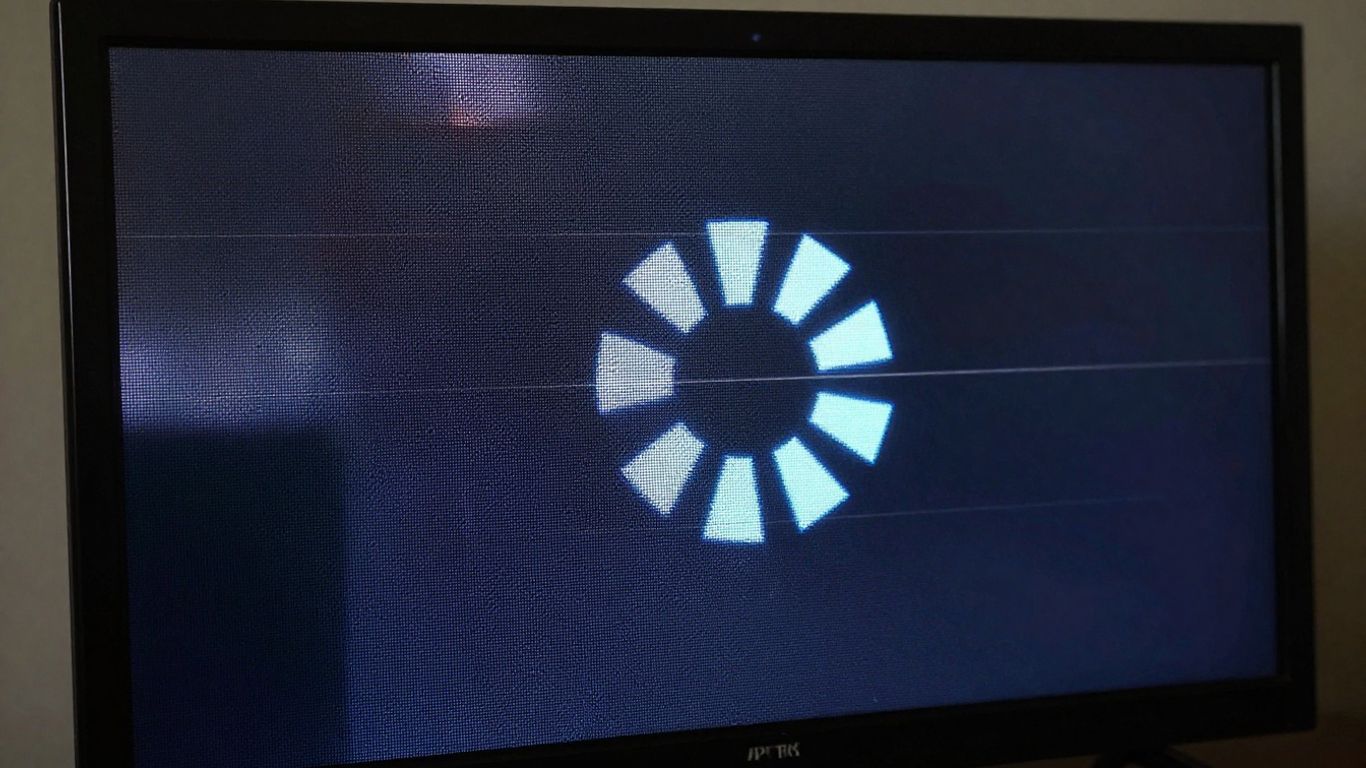
So, your IPTV stream is acting up, huh? Buffering, stuttering, that annoying little circle spinning forever – it’s enough to make anyone want to throw their remote. Don’t worry, though. We’ve all been there, and there are usually some pretty straightforward fixes for these iptv streaming issues. Let’s get your channels flowing smoothly again.
Restart Your Network Hardware
This is the classic IT crowd advice for a reason: it often works. Think of your modem and router like a computer; sometimes they just need a good old reboot to clear out temporary glitches. Unplug both your modem and router, wait about 30 seconds, then plug the modem back in first. Once it’s fully back online (usually when the lights stabilize), plug your router back in. This simple step can fix a surprising number of IPTV connection issues and help stop IPTV freezing.
Clear Cache On IPTV Apps And Devices
Over time, the apps you use for IPTV can build up a lot of temporary data, or cache. This can bog things down and lead to slow loading or playback problems. Clearing this cache is like giving the app a fresh start. The process varies a bit depending on your device:
-
For Android TV/Boxes: Go to Settings > Apps > [Your IPTV App Name] > Storage > Clear Cache.
-
For Amazon Firestick/Fire TV: Go to Settings > Applications > Manage Installed Applications > [Your IPTV App Name] > Clear Cache.
Doing this regularly can really help with slow IPTV playback fixes and general IPTV lag solutions.
Adjust Your IPTV App Settings
Did you know your IPTV app itself might have settings that can help? Sometimes, the default options aren’t the best for your specific setup. If you’re dealing with why is my IPTV choppy, try these adjustments within your app:
-
Lower the Video Resolution: If you’re trying to stream in 4K but your connection can’t handle it, dropping to 1080p or even 720p can make a huge difference. This is a quick way to combat slow iptv playback.
-
Change the Video Decoder: Most apps let you choose between hardware and software decoding. If one isn’t working well, try switching to the other. This can sometimes resolve troubleshoot IPTV stuttering.
-
Select Alternative Streams: Some providers offer multiple streams for the same channel. If one is overloaded, switching to another might solve your iptv stream lag.
Sometimes, the simplest solution is to just try a different video player. If your current IPTV app has an option to select an external player, try something popular like MX Player or VLC. These often handle streams more efficiently and can be a great fix for IPTV freezing solutions.
If you’re still struggling with buffering after trying these steps, it might be time to look into other areas, like your internet plan or even your IPTV provider itself. For more in-depth troubleshooting on specific devices, you can check out this guide on fixing IPTV buffering on Firestick.
Enhance Streaming Performance
Sometimes, even with a solid network, your IPTV streams can still stutter. This usually means it’s time to look at the devices and services you’re using.
Use A Dedicated Streaming Device
Trying to stream live TV on a device that’s doing a million other things, like an old tablet or a computer with tons of tabs open, can really bog things down. A dedicated streaming box is built for this job. Think devices like the Amazon Fire TV Stick, NVIDIA Shield TV, or specialized IPTV boxes like Formuler or BuzzTV. These gadgets are optimized for smooth playback and often have better hardware to handle the demands of live streaming. Upgrading your streaming hardware can make a noticeable difference.
Choose Reliable IPTV Providers
Not all IPTV services are created equal. Some providers have overloaded servers or poor network infrastructure, leading to constant buffering on your end. If you’ve tried optimizing your network and devices and still have issues, it might be time to look for a different provider. Having a backup service is also a smart move, just in case your primary provider has an outage or performance problems. You can check out reviews or ask around in forums for recommendations on providers known for stable streams.
Keep Your VPN and IPTV Apps Updated
Software updates are often released to fix bugs and improve performance. Make sure your IPTV app is the latest version. Sometimes, updates include better ways to handle network fluctuations or improve video decoding. Similarly, if you use a VPN for your streaming, keep that updated too. Outdated apps can cause compatibility issues or performance hiccups that lead to buffering. It’s a simple step, but it can solve a lot of unexpected problems. If you’re looking for ways to improve your overall streaming setup, checking out guides on optimizing your internet speed can also be really helpful.
Wrapping Up
So, buffering on your IPTV streams can be a real pain, but as we’ve seen, it’s usually not a lost cause. Most of the time, it comes down to your internet connection acting up, or maybe your device is just a bit tired. We’ve gone over a bunch of things you can try, from simple restarts to tweaking settings and even looking at your internet plan. Don’t forget to check if your IPTV provider itself is having issues. If you’ve tried everything and still get that spinning circle, it might be time to look for a new provider. Hopefully, these tips help you get back to smooth watching without all the annoying pauses.







Post Comment